Start with your real week.
Choose meals, swap what doesn’t suit and adjust servings for your table. Keep everyday dinners manageable, with room for something special.
 Week & Table
MADE FOR EVERYDAY FAMILY LIFE
Less “what’s for dinner?”
More time around the table.
Bring your meals, grocery list and pantry together. Make a plan that fits your week, then get on with the good stuff.
Meet your easier weekiPhone beta in preparation · Everyday essentials stay free
Familiar favorites. Room to change your mind.
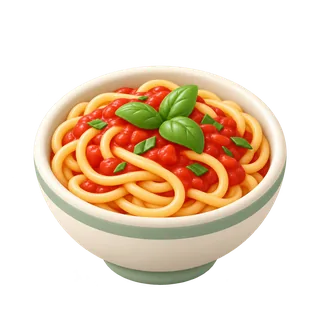
A simple start to the week
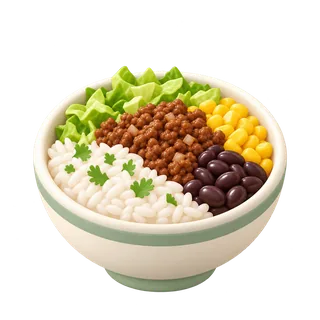
A little of everyone’s favorite
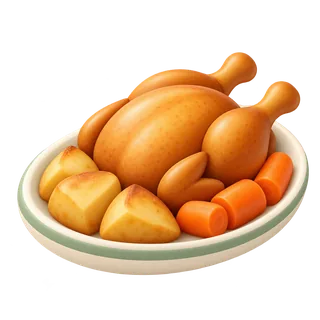
Something to gather around
Illustrative meal plan
THE LIST FOLLOWS
Pasta
Tomatoes
Fresh vegetables
FROM SUNDAY PLANS TO TUESDAY DINNER
Meal planning should take things off your plate.
Choose meals, swap what doesn’t suit and adjust servings for your table. Keep everyday dinners manageable, with room for something special.
Bring ingredients from your meals into one grocery list. Check what you have, then tick things off as you shop.
Keep your recipes, instructions and pantry close at hand. Less searching when everyone’s asking what’s for dinner.
YOUR PANTRY, WITH LESS TYPING
Product found
Check the name. Make it yours.
✓ Confirm itemIllustrative lookup · Results vary by productA SMALL SHORTCUT THAT ADDS UP
On iPhone, scan a grocery barcode, check the product name and confirm it into your pantry. Add the amount if you know it.
Product lookup needs an internet connection. If an item isn’t found, you can still enter it yourself.
About the iPhone betaUSEFUL FIRST. ALWAYS.
Planning meals, making a grocery list and keeping a pantry should be useful on their own. Those everyday essentials are our free foundation.
“Are we selling an additional benefit, or charging someone to remove frustration we created?”
That’s our test for paid features. Future extras may include group grocery photo capture and reusable meal routines. They’re ideas in development, not features you need to enjoy the basics.
A PLACE AT THE TABLE
We’re preparing the iPhone app for a small TestFlight beta. Interested in trying it? Send us a note.
This opens your email app. There’s no public download yet.
The current web app remains available to existing testers while we prepare the iPhone beta. Its accounts and saved plans are separate from the upcoming app.
Open the current web app ↗A public App Store or TestFlight link isn’t available yet. Use the email link above to ask about testing. We’ll share installation instructions when the beta is ready.
Our plan is to keep everyday meal planning, groceries and basic pantry features free. Optional premium extras will come later; pricing hasn’t been set.
The initial iPhone beta is designed to keep core planning, recipes and lists on your phone. Barcode product lookup needs internet. Shared accounts and household sharing are planned for a later update.
Not yet. We’re exploring it as a premium feature: photograph several groceries, review the results and confirm them into your pantry. Individual barcode scanning is part of the free iPhone experience.